Steps5
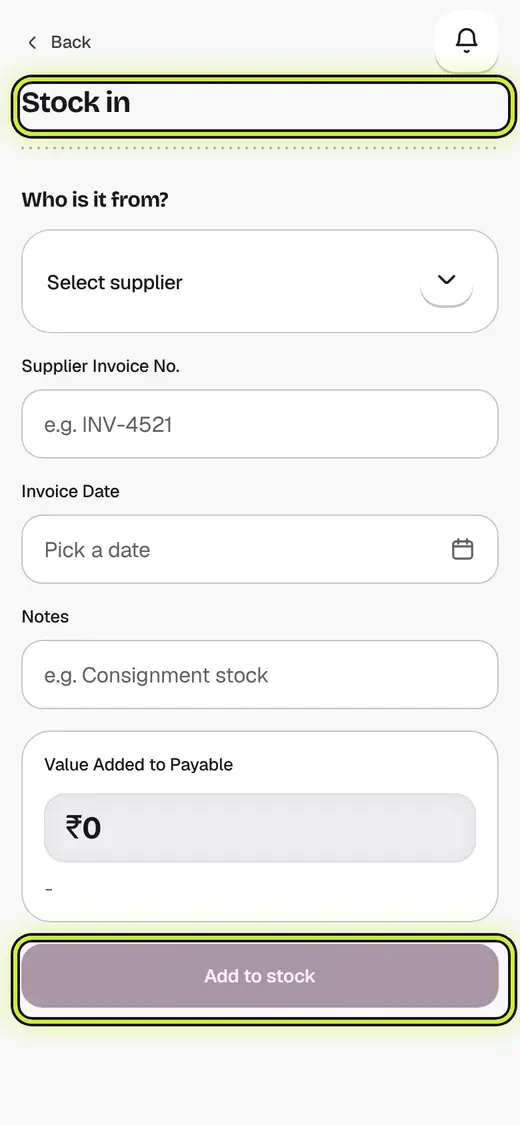
- Open Inventory and tap Stock in.
- Tap Scan what arrived and scan each pack. Each scan adds one.
- Change a count with − and +, or tap an item to set what you paid.
- Pick the supplier. If they have an order on its way, tap Receive against it instead.
- Tap Add to stock.
Still stuck?
In the app, tap ? on the screen you are on and ask in your own words. Or email support@kowntx.com. A person replies in writing. Never send your PIN, code or card number.